
Dane County VINE Participation
Dane County participates in Wisconsin VINE, and two official sources make that plain. The Dane County Sheriff links straight to Wisconsin VINELink. The office calls VINE automated. It is an arrest and pretrial notification service with continuous custody-status access. Wisconsin DOJ guidance adds that every county in the state uses VINE County Jails. Data flows in through an interface with the jail management system.
What shows up depends on county booking practices, entry timing, release processing, suppression, and outages. VINE is not a second court docket. It also keeps no permanent arrest archive. Use it after you have identified one person. It does not list everyone arrested in Dane County. The Dane Sheriff VINE page supplies the official entry point:
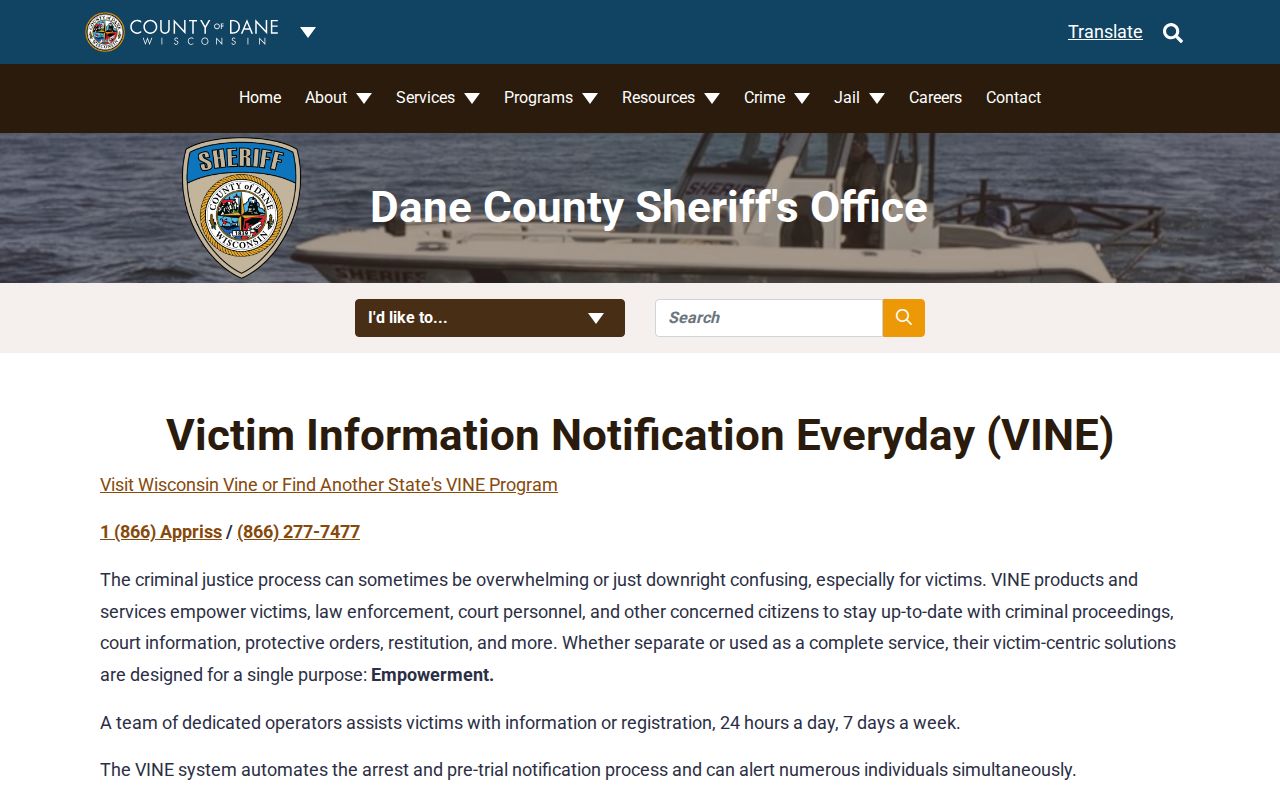
Start with the county page, since its links and phone numbers can change without notice.
Search a Dane County Arrest
The person search runs on JavaScript, so exact controls shift from screen to screen. Wisconsin guidance recommends a full last name. Add at least a first initial. An offender or booking identifier works too if the current screen offers one. Where the interface allows it, restrict the search to Wisconsin. Then narrow it to the relevant county or facility.
- Open the Sheriff’s VINE page and follow its Wisconsin VINELink link.
- Select Wisconsin and Dane County or the appropriate county-jail record type.
- Enter the full last name and as much of the first name as the interface permits.
- Use a booking or offender identifier when known.
- Review every close match and compare custody location and identifying details.
- Open the correct record before selecting a notification option.
The Wisconsin person-search screen is shown here with no subject data entered:
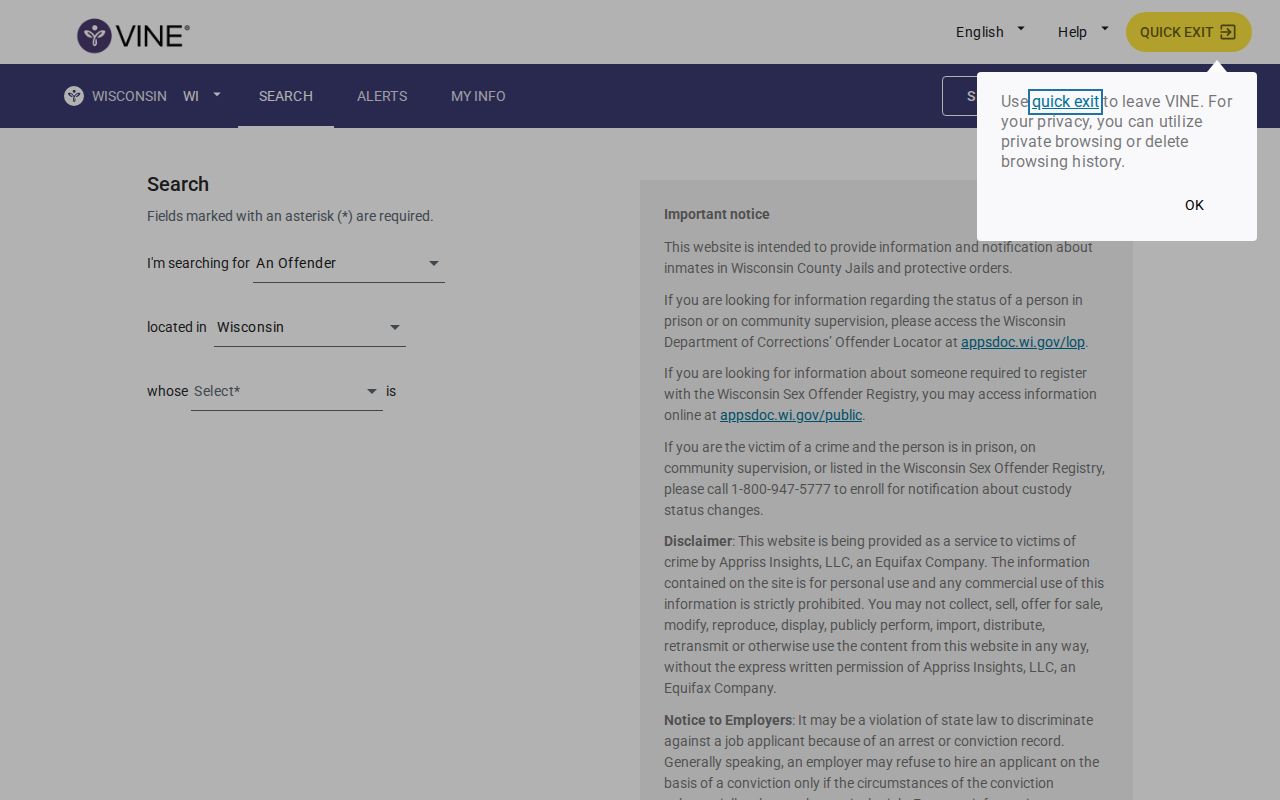
Blank controls demonstrate the official route without publishing a real person’s information.
Dane VINELink Result Fields
A result exists to identify the custody record and power status notifications. Labels vary by interface and by what the jail sends. For current building, booking, and arrest fields, read it alongside the Sheriff roster.
| Result element | Meaning or use |
|---|---|
| Name or offender identity | Helps distinguish close matches |
| Custody status | Reports the status currently supplied to VINE |
| Facility or county | Identifies the participating custody source |
| Offender or booking identifier | Supports a more exact match |
| Record type | Can distinguish county jail from a separate DOC record |
| Notification option | Starts registration for available status changes |
VINE does not replace WCCA. Similar names call for extra care. Check the county booking number, location, and official detail before registering.
Register for Dane Custody Alerts
Once the correct person is open, choose the registration or notification option the screen currently offers. Wisconsin guidance describes phone, email, and text or SMS where available. Accessibility options vary with the program. Registration covers custody changes only. It is not a subscription to every police report or court filing.
- Confirm the selected person and the Dane County jail record.
- Choose an available phone, email, text, or accessibility channel.
- Enter only your own contact information in the private registration form.
- Create the requested four-digit PIN for phone notifications.
- Save the registration details and follow the interface’s confirmation step.
- When an automated call arrives, enter the PIN to confirm receipt.
Automated calls can continue for up to 24 hours, or until the correct PIN confirms receipt, per official guidance. Never share a PIN publicly. Complete the registration screen with private information only. The VINELink route and registration interface is shown here:

The vendor route can change, which is why the current Sheriff link is the better starting point.
Dane County and DOC Records
Wisconsin VINE has a local wrinkle worth knowing. A person under Wisconsin DOC supervision who also gets booked into the Dane County jail can hold two separate records. VINE never merges the DOC and county-jail entries. Check the facility and record type before assuming two results are duplicates.
The county record covers Dane jail custody. A DOC institution or community-supervision record belongs to state corrections. Neither one is the final court disposition. For a person sentenced to state prison or under state supervision, the Wisconsin DOC locator fits; for a present county resident, the Sheriff roster fits.
Huber, electronic monitoring, and diversion paths can also trigger different notification behavior than conventional jail custody. The Sheriff's terminology and historical VINE material make that distinction matter in Dane County. No alert pattern is uniform across every movement.
Fresh Dane Bookings Can Lag
Someone arrested moments ago may still be in intake. VINE simply is not that fast. A missing result can also mean release, transfer, a name mismatch, operational suppression, outage, or custody in another system, so never read it as proof of who was not arrested.
Confirm before relying: Booking entries in Dane County can take time to appear. Check Current Residents, allow that lag, then use the jail contact or the same-day Dane arrest workflow.
The Sheriff's current roster exposes booking date and arrest details that VINE is not built to serve. Once a complaint is filed, WCCA supplies court events and disposition. For an old booking, Sheriff Records beats repeated VINE searches.
VINE Phone Number Differences
Official Dane pages show more than one VINE number. The dedicated Sheriff VINE page displays 866-277-7477 for APPRISS. The Sheriff contact page and the District Attorney page display 877-418-8463. The inconsistency is real, and guessing which number will remain current helps nobody.
Begin with the official Sheriff page or the VINELink web interface. Use whatever number it displays at the time of your search. If the online search fails, call that current official number or the Dane County Jail. Avoid a figure copied from an unaffiliated directory. Telephone and vendor programs change over time.
VINE Does Not Cover Everything
VINE has real limits. It won't find federal inmates. The service skips BOP and U.S. Marshals custody entirely. Someone held by ICE won't appear just because of an earlier Dane County arrest. Federal custody calls for the BOP locator or federal court and agency records. ICE detention calls for ICE's own locator. VINE is also a poor historical archive. Official guidance says old data is generally unavailable, and records may be removed soon after release. A person out of the live system may still have a Sheriff booking record and a WCCA case. The Dane County recent arrests record guide covers those channels. No alert service should stand alone as a safety plan, since VINE data can run late or go dark and the county can suppress display for safety or operating reasons. For immediate danger, call 911; otherwise reach law enforcement or a victim-service provider.
Dane Arrests Are Not Convictions
A VINE alert tracks custody, nothing more. It tells you when someone is booked or released, not what happens next in court. The Sheriff roster works the same way. A booking marks an arrest, and a release marks the end of custody. WCCA is where the case itself unfolds. Track the complaint, hearings, plea, and sentence there. Keep the booking identifier with your search so similar names stay separate. If VINE and the roster conflict, note the time of each check and contact the official custodian rather than trusting whichever result looks more dramatic.